
How Business Email Accounts Get Compromised
Here's how most business email compromises happen. An attacker gets hold of a password, maybe through a phishing email, maybe from a data breach on another site where someone reused their work password, maybe from a list of stolen credentials bought online for a few quid. They type it in. They're in. They have full access to that person's email, their files, their contacts. No alarms go off. Nothing looks wrong.
From there, they can read sensitive emails, send messages that look like they're from your team, redirect invoices to their own bank account, or use the compromised account to attack other people in your business. By the time anyone notices, the damage is done.
Multi-factor authentication stops this. Even if an attacker has the password, they can't get in without the second factor, usually a notification on the real user's phone. It's one of the simplest and most effective security controls that exists, and it blocks the vast majority of account takeover attempts.
How Multi-Factor Authentication Works
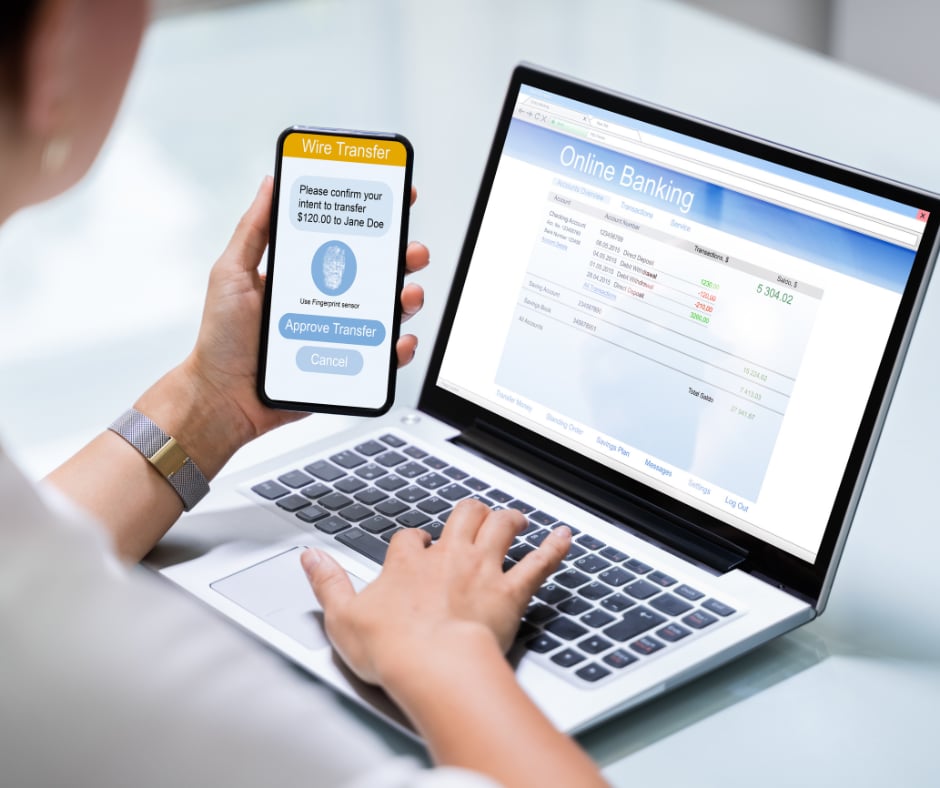
You log in with your email and password as normal. Then your phone buzzes, either with a notification from the Microsoft Authenticator app asking you to approve the sign-in, or with a six-digit code you type in. That's it. The whole thing adds about five seconds to your login.
The reason it works is that an attacker in another country might have your password, but they don't have your phone. Without both, they're locked out. It's the digital equivalent of needing both a key and a PIN to open a safe: one without the other is useless.
Setting Up MFA on Microsoft 365: Free and Takes 20 Minutes
If you're on Microsoft 365 (and most businesses we work with in Carlisle are), MFA is included in your subscription at no extra cost. You don't need to buy anything. You don't need new hardware. The Microsoft Authenticator app is free on iPhone and Android.
For a typical small business, we can have MFA rolled out across every user account in about 20 minutes. Staff download the app, scan a QR code, and they're set up. The first time they're asked to approve a sign-in, there might be a couple of "what's this?" questions, but after a day, it becomes second nature. We've never had a business tell us they wanted to go back.
Why MFA Is Required for Cyber Essentials and Cyber Insurance
Beyond the obvious security benefits, MFA is quickly becoming something your business needs for compliance and commercial reasons:
- Cyber Essentials: from April 2026, MFA is mandatory for certification. If it's available on a platform and you haven't turned it on, that's an automatic fail.
- Cyber insurance: most insurers now require MFA as a condition of cover. Without it, you might find your policy is void when you need it most.
- Client trust: if you handle client data, financial information, or personal records, MFA is the bare minimum your clients should expect. Especially in sectors like legal, accountancy, and healthcare.
- Supply chain requirements: larger companies are increasingly asking their suppliers to demonstrate basic security controls. MFA is always on the list.
The Excuses We Hear (And Why They Don't Hold Up)
"It'll slow my team down." It adds five seconds to a login. Your team spends longer waiting for the kettle to boil. After the first day, nobody notices it.
"We're too small to be a target." Attackers don't target individual businesses. They buy stolen credentials in bulk and try them all automatically. Your ten-person office gets the same automated attack as a company with ten thousand employees.
"Our passwords are strong enough." It doesn't matter how strong a password is if it's been leaked in a breach on another site. And people reuse passwords, even when they know they shouldn't. MFA protects you even when passwords fail.
"We'll get around to it." Every business that's been breached through a stolen password said the same thing. Twenty minutes now is better than weeks of damage control later.
Check It Right Now
If you're on Microsoft 365, here's how to check whether MFA is enabled. Log into your admin centre at admin.microsoft.com, go to Users > Active Users, and look at the MFA status column. Every account should show "Enforced." If any show "Disabled", that account is one stolen password away from a breach.
If you're not sure how to check, or you'd rather someone else handle it, give us a call. We'll check your setup over the phone in five minutes and tell you exactly where you stand. No charge, no obligation, just a quick check that could save you a serious headache.